
Das sagen unsere Gäste
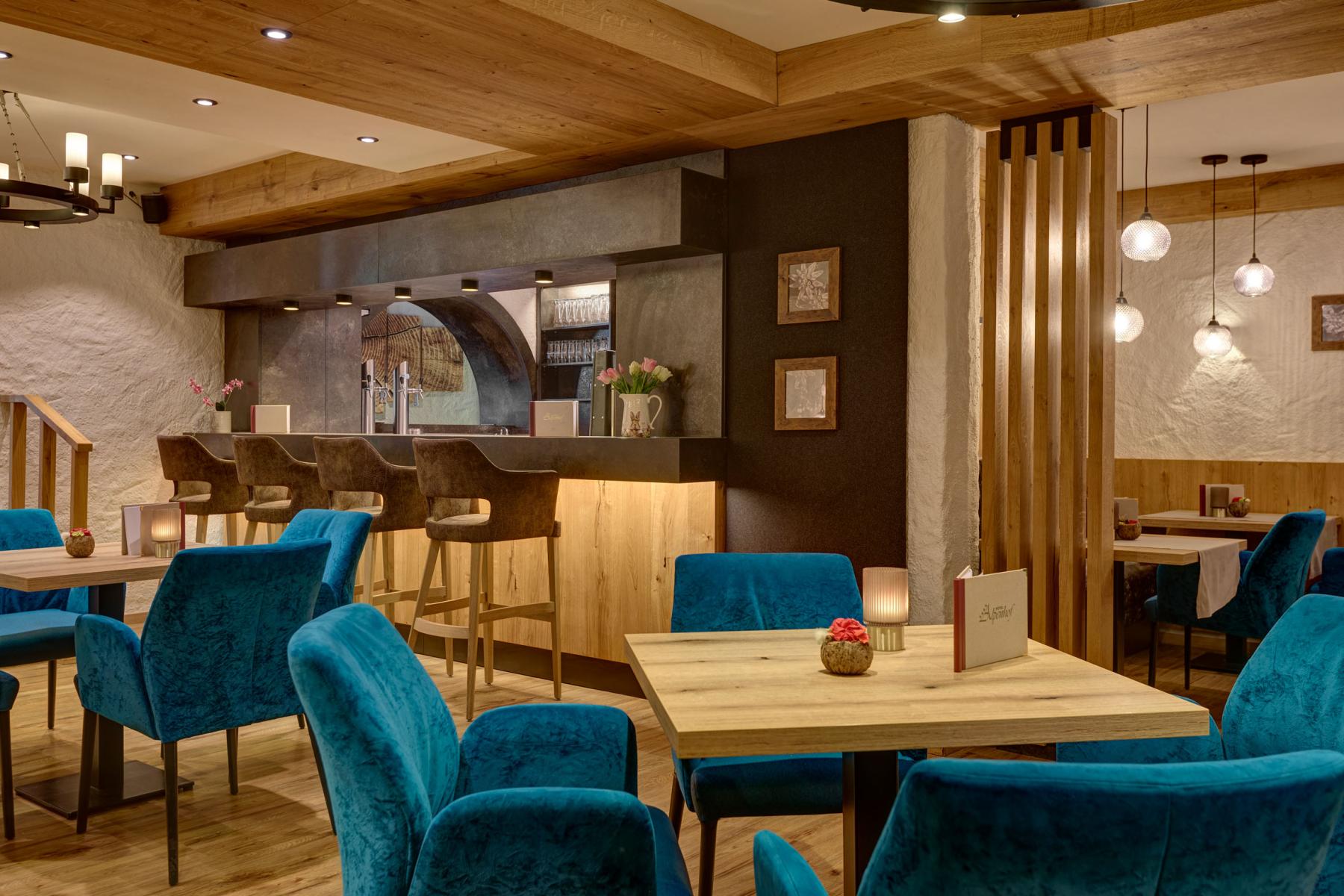
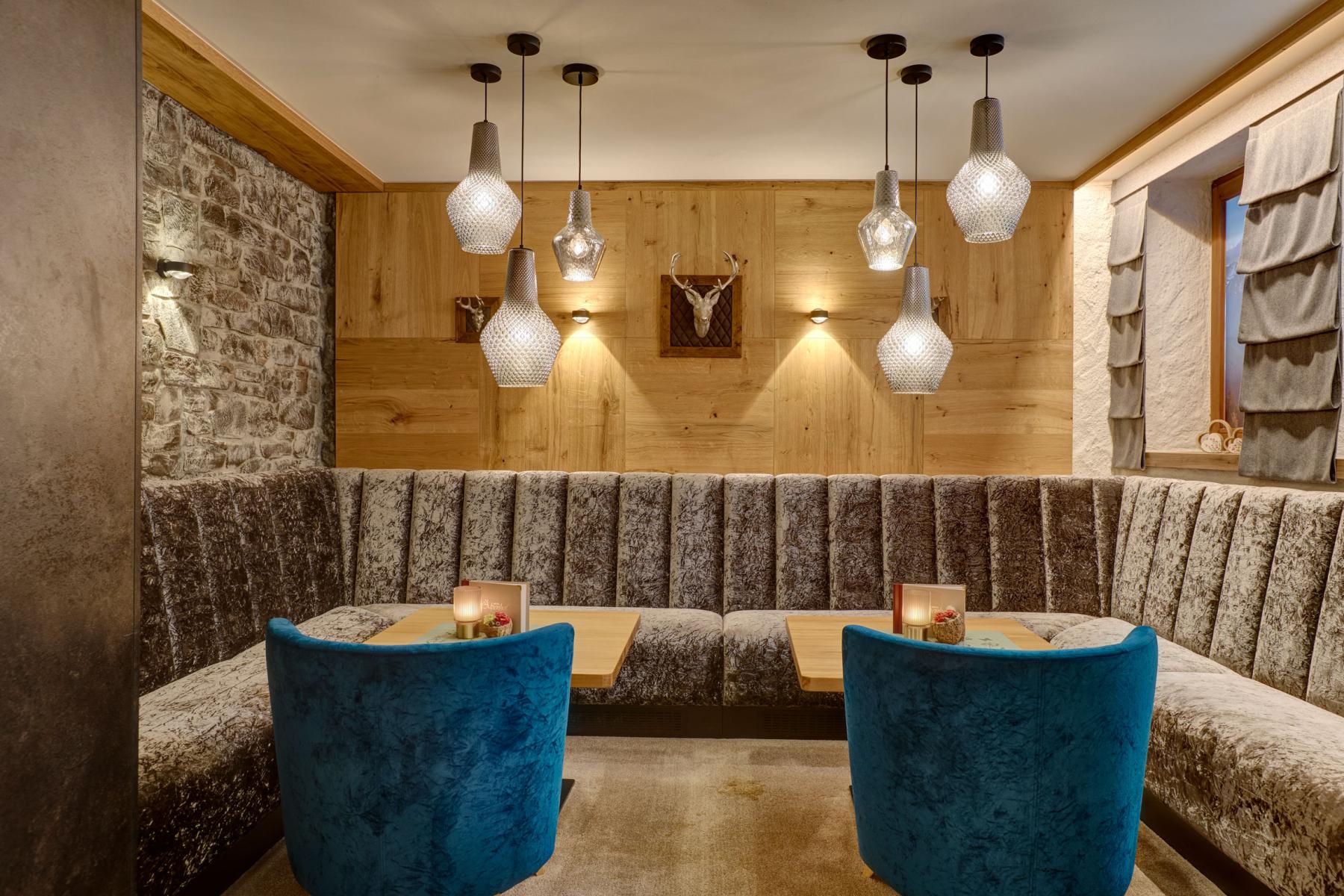
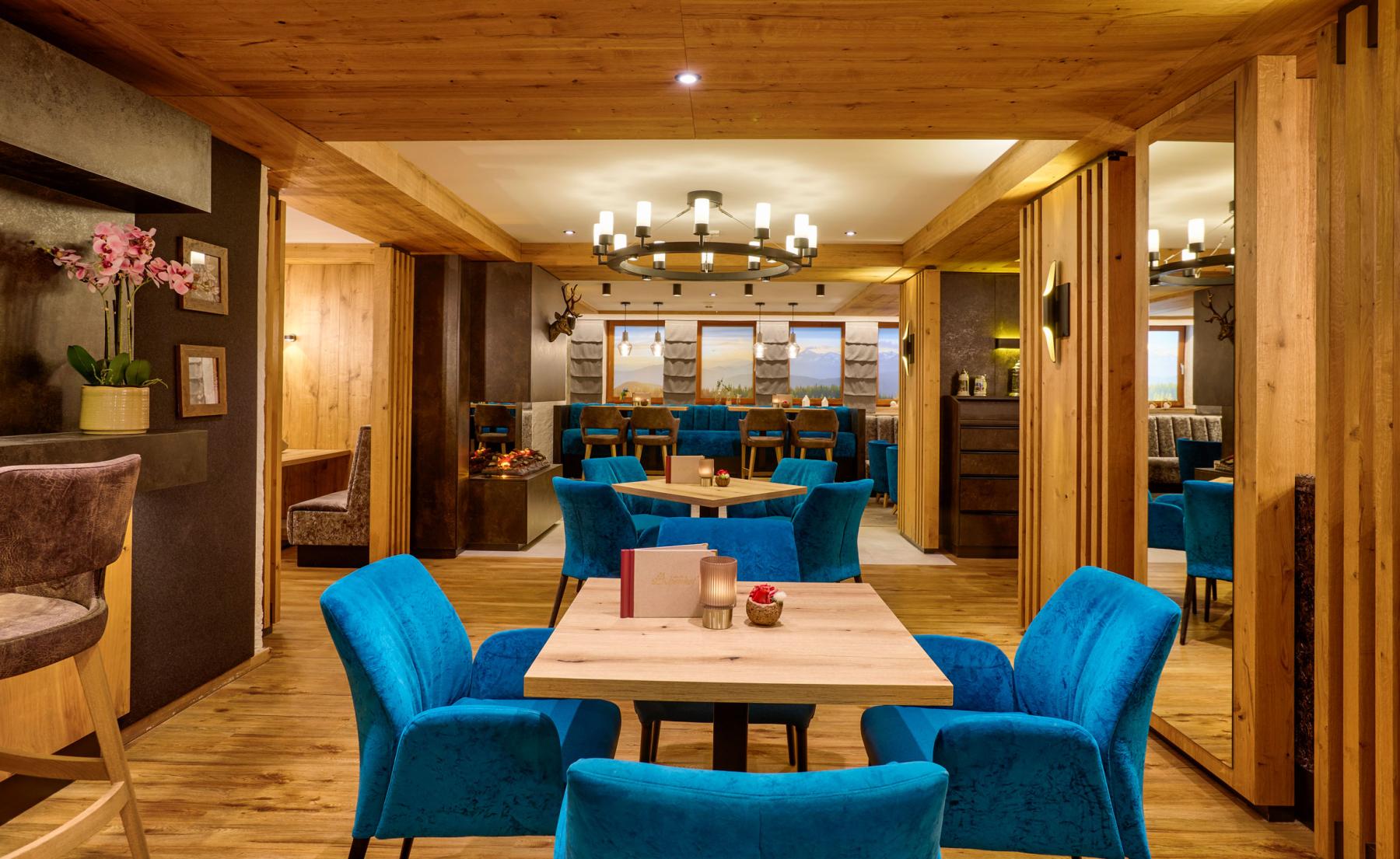
Wir – die Familie John – sind Gastgeber aus Leidenschaft. Nunmehr seit drei Generationen sind wir ständig darin bestrebt, unseren Gästen jeden erdenklichen Tag in unserem Hotel einen außergewöhnlichen Tag zu bereiten. Heute bieten wir Ihnen außergewöhnliche Kulinarik, luxuriöses Wohnambiente und die große Vielfalt des Wellness im Alpenhof. Der Gast ist König – mit diesem Spruch beginnen wir frühmorgens den Tag, um Ihren Erwartungen gerecht zu werden, ja sogar zu übertreffen und so lassen wir ihn am Abend auch enden. Vielleicht gehören auch Sie bald zu unseren über 10.000 zufriedenen Stammgästen.
Waren Sie zufrieden mit uns?
DANN BEWERTEN SIE UNS BITTE!
Bitte öffnen Sie mit dem Button "Bewertung schreiben" das google-Formular oder gehen sie zu google und geben Sie in das Suchfeld unseren Firmennamen ein: Hotel Alpenhof, Tegernsee
Können wir noch etwas verbessern?
Dann schreiben Sie uns am besten eine E-Mail an Diese E-Mail-Adresse ist vor Spambots geschützt! Zur Anzeige muss JavaScript eingeschaltet sein!, damit wir uns direkt darum kümmern können.
• Von was waren Sie begeistert und was hat Sie enttäuscht?
• Ist auf Ihre Wünsche eingegangen worden und wie wurden diese umgesetzt?
• Was können wir noch verbessern?
Herzlichen Dank für Ihre Mithilfe!
 |
-
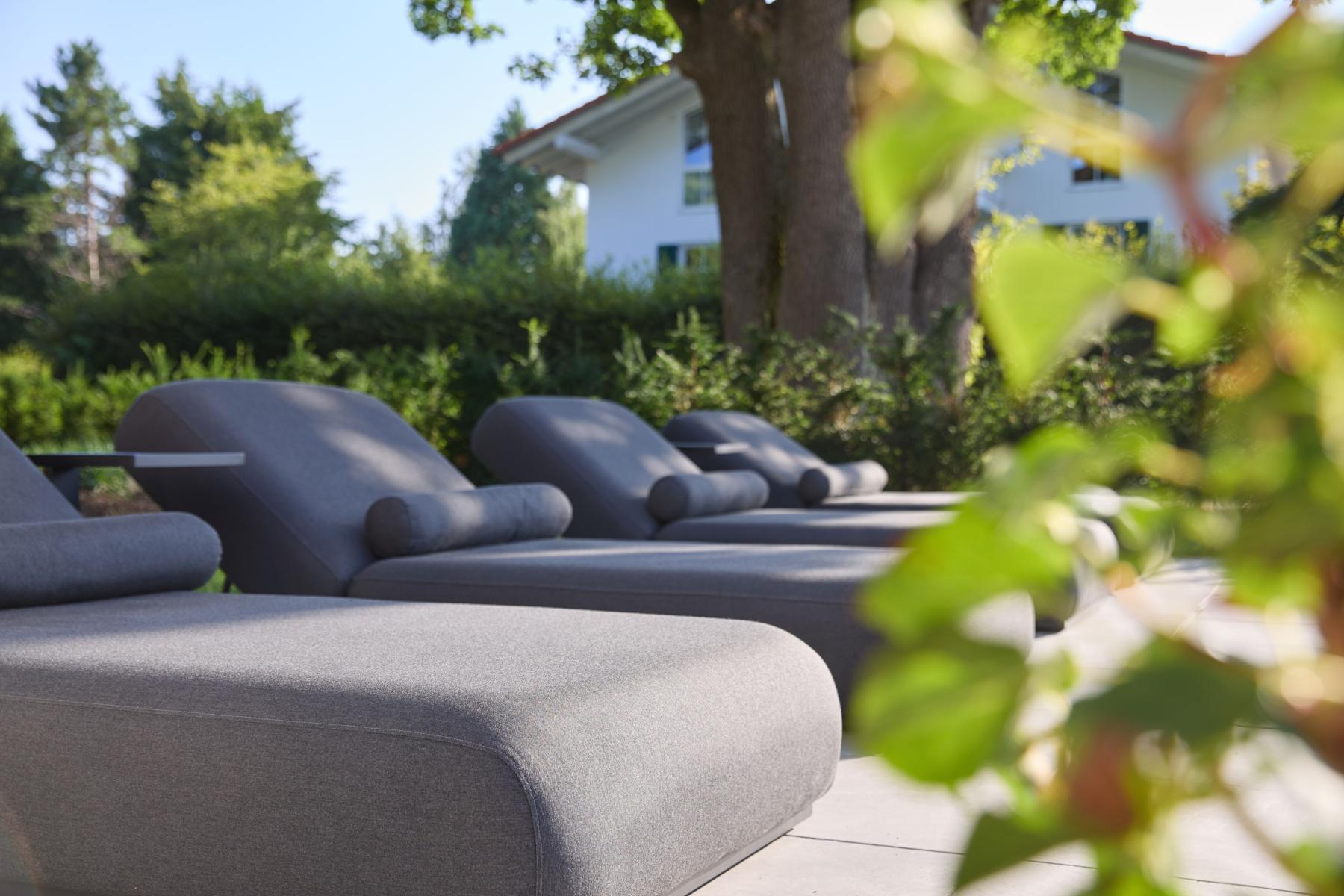
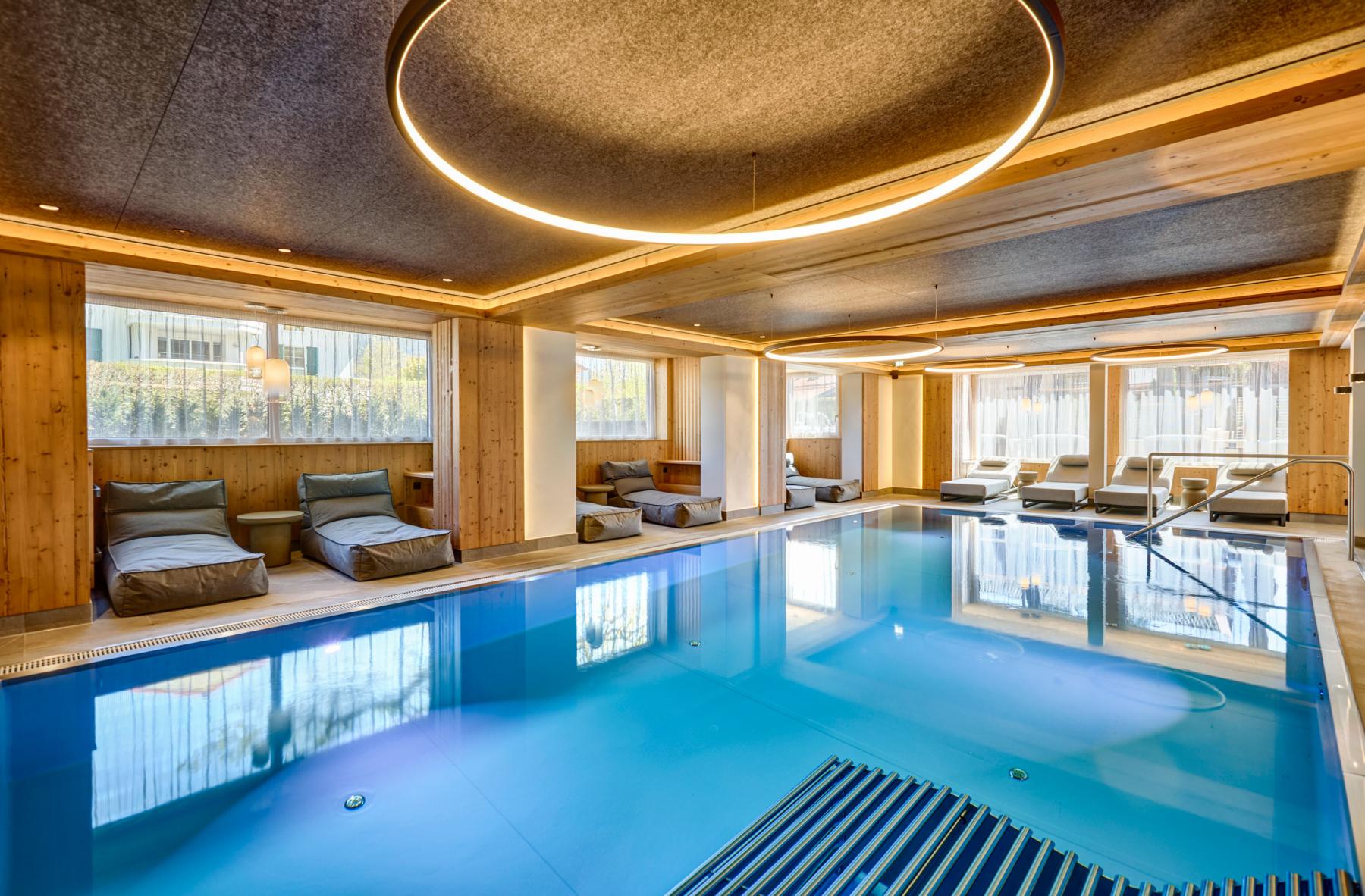
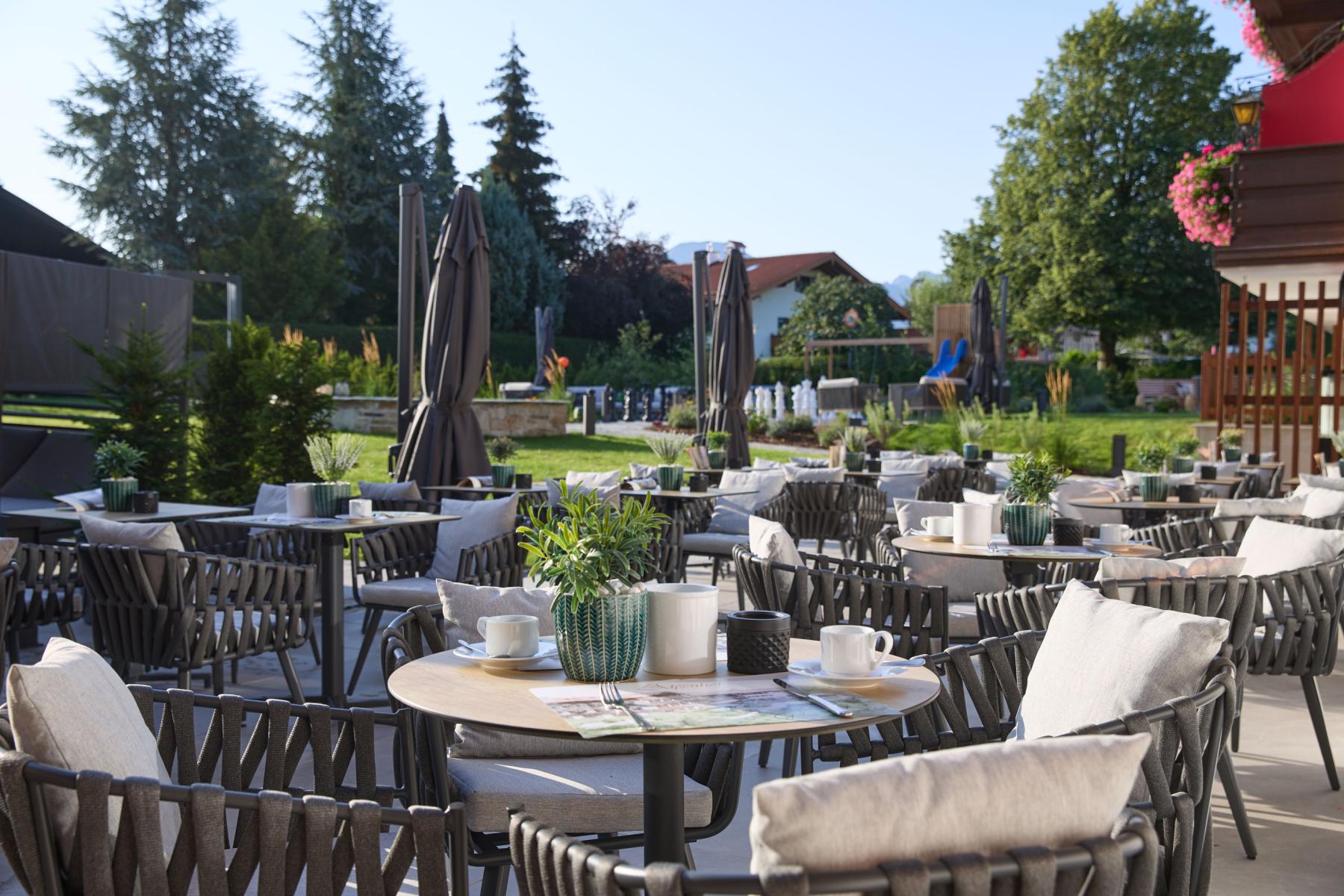
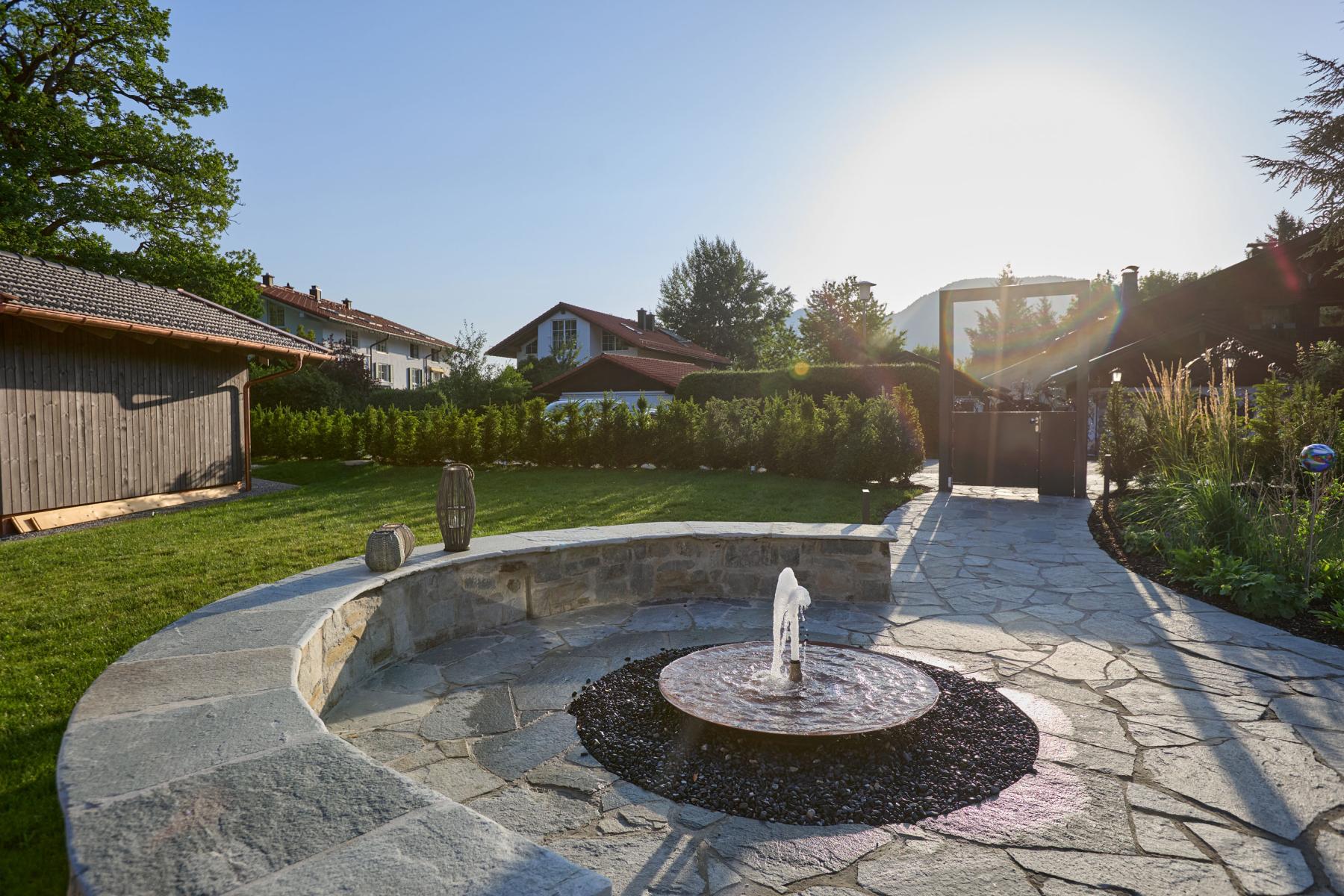
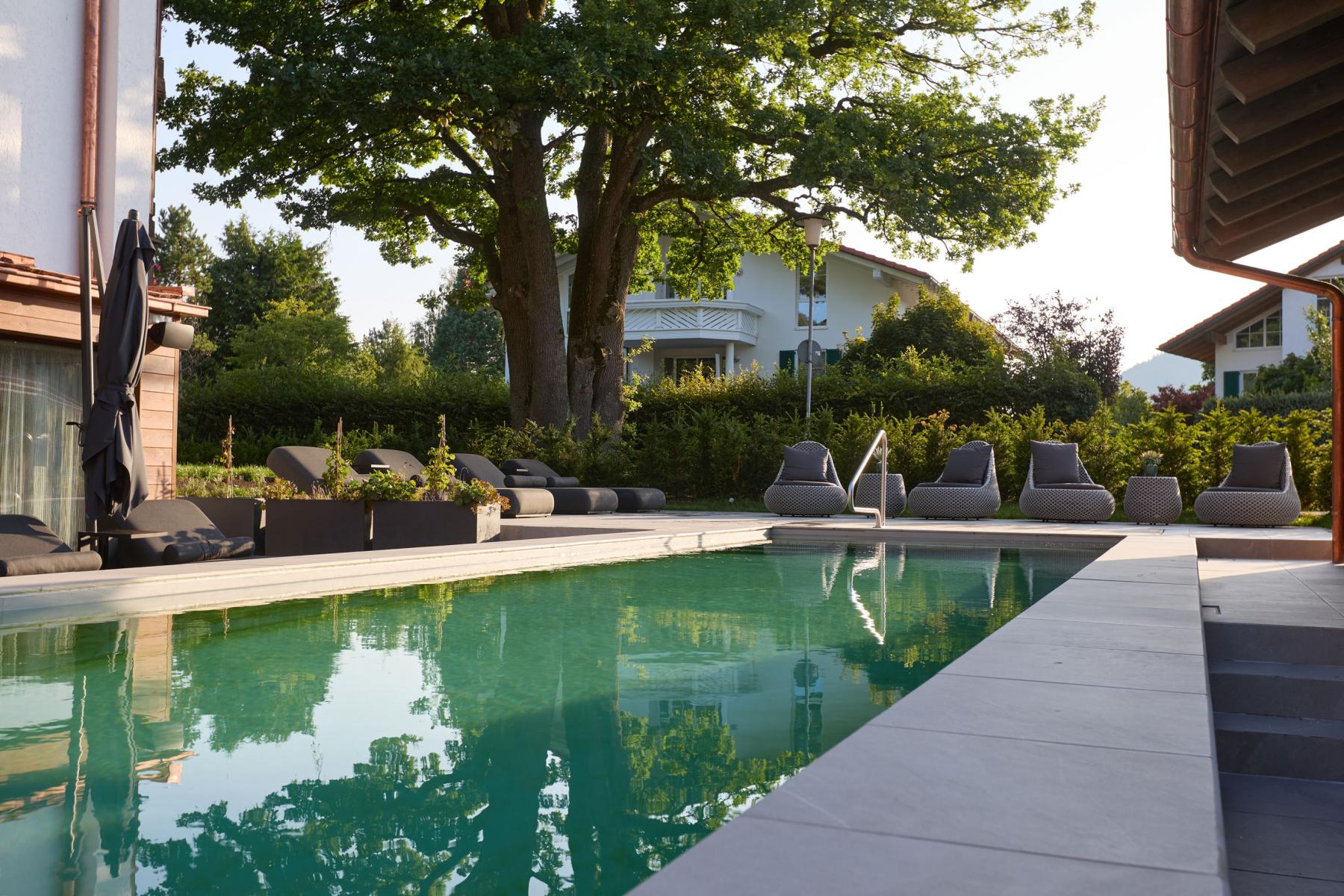
Sehr gutes familiär geführtes Hotel am Tegernsee. Alles tip, top in Ordnung und renoviert. Tolle Gartenpoolanlage😎Freundlicher Service. Sehr gutes Essen. Schöner Wellnessbereich mit Saunen. Die Zimmer sind in Ordnung, modern mit schönem Gartenblick. Kostenloses Wasser Angebot den ganzen Tag🔝 Hier findet man alles was das Herz begehrt in traumhafter Kulisse.
-
Wiedermal haben wir einen Top-Urlaub im Hotel Alpenhof in Bad Wiesee am Tegernsee verbracht. Wie auch schon in den zahlreichen Urlauben davor, war alles perfekt! Wenn wir könnten, würden wir gerne auch mehr als 5 Sterne vergeben. Hier wird einem jeder Wunsch erfüllt und das Essen ist super. Für jeden Geschmack ist etwas dabei. Die Wellnessanlage ist hochmodern, sehr schick und man fühlt sich total wohl. Wir kommen baldmöglichst wieder! Liebe Grüße, Familie Wolf aus Köln
-
Ich hatte einen wundervollen Aufenthalt im Hotel Alpenhof! Das gesamte Personal war unglaublich freundlich und zuvorkommend – man fühlt sich sofort willkommen. Der neu gestaltete Wellnessbereich ist ein absoluter Traum, perfekt zum Entspannen. Besonders hervorheben möchte ich, dass ich hier auch veganes Essen bekommen habe – absolut lecker und mit viel Liebe zubereitet. Ich kann das Hotel nur wärmstens empfehlen!












TEL. 08022 8601 - 0
BUCHUNGSANFRAGE